
MCP Server
Connect Feedjolt to Claude Desktop, Cursor, Windsurf, and other AI clients via the remote MCP server. Read, triage, and manage your whole roadmap without leaving your editor.
Feedjolt ships a remote MCP (Model Context Protocol) server so you can talk to your roadmap from any MCP-compatible AI client - Claude Desktop, Cursor, Windsurf, and others.
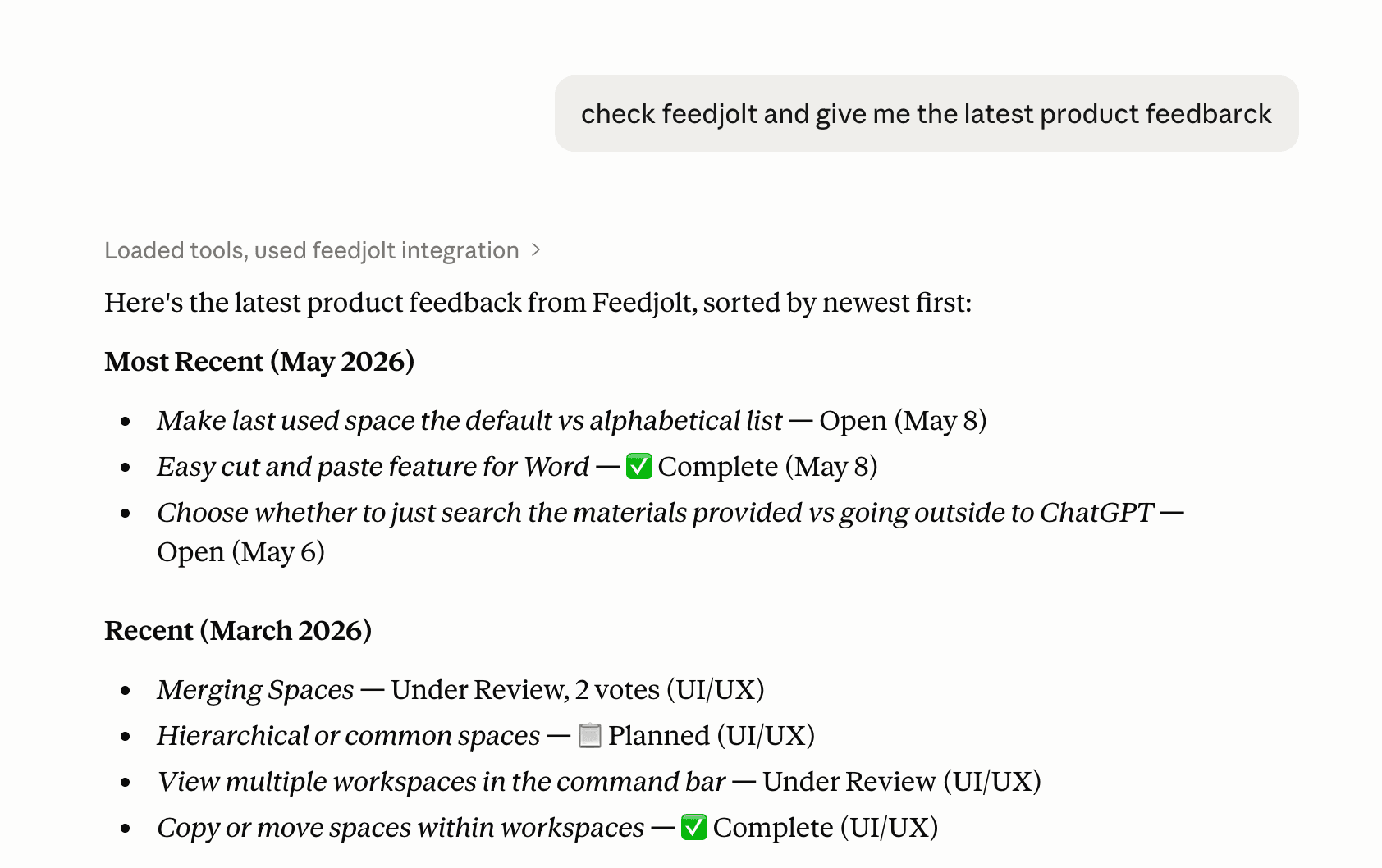
What you can do
37 tools cover the full feedback surface, not just triage:
- Search and read posts, comments, boards, statuses, tags, the roadmap, and the changelog.
- Triage: change post statuses, tag posts, comment, merge and unmerge duplicates.
- Manage the backlog: create, update, and delete posts, boards, tags, and statuses.
- Ship a changelog: draft entries and publish them when they're ready.
- Every tool call, including searches and reads, lands in the same audit trail as the dashboard. SuperAdmins can filter by source
mcp. Webhooks fire as usual on writes.
What a principal can actually call depends on its scopes - see Permissions. The URL you point the client at decides which tools exist in that chat.
Requirements
- Available on Startup and Scale (not Growth) - same as the REST API.
- Sign in and approve in the browser (OAuth, the default) or use an
fjk_API key. Both work. See OAuth.
Two connectors, two chats
Point Reader and Writer at separate chats. Never both in one chat.
https://api.feedjolt.com/mcp/reader/
https://api.feedjolt.com/mcp/writer/
Reader can see customer text: post titles, bodies, comments. It cannot mutate.
Writer can create, update, delete, and triage. It never gets those customer fields back, even on create_post. Staff-authored names (boards, statuses, tags, changelog titles) stay.
Same API key or OAuth token works on both URLs. OAuth aud stays https://api.feedjolt.com/mcp. The connector is the URL, not the token, so the split stops an injected agent rather than a hostile client. Scopes cover that case. See Permissions.
This is the Featurebase-style split. Mutation tools must not share a chat with customer text. Typical two-pass: Reader summarizes, you paste IDs and decisions into a Writer chat.
https://api.feedjolt.com/mcp/ still lists all 37 tools. Treat it as legacy and unsafe. Existing configs keep working.
The machine-readable server card is at https://www.feedjolt.com/.well-known/mcp.json. Auto-connect clients land on Reader. Writer is a second chat. Combined /mcp/ stays the OAuth resource (aud), not the advertised Streamable HTTP URL.
See Setup for client-specific instructions.
API pagination
Paginate Feedjolt API list endpoints with limit and offset. Common pattern, an iterator example, offset caveats on fast-changing data, and the OpenAPI reference.
MCP Setup
Connect Feedjolt to Claude Desktop, Cursor, and Windsurf over MCP. OAuth with a URL is the default; API keys remain a fully supported alternative.