
n8n
Connect n8n to Feedjolt with a workspace API key. Install n8n-nodes-feedjolt from npm via Settings → Community nodes, or npm install under ~/.n8n/nodes.
The n8n community node ([email protected]) talks to the Feedjolt REST API at https://api.feedjolt.com/api/v1. Auth is a workspace API key (fjk_) sent as Authorization: Bearer.
The package is on npm, published from luodaint/n8n-nodes-feedjolt with GitHub Actions provenance. n8n Cloud's verified Creator Portal listing is still pending — that is a separate n8n review, not the npm publish.
Install
Enable community packages on self-hosted n8n (N8N_COMMUNITY_PACKAGES_ENABLED=true). On n8n 2.x you may also need N8N_UNVERIFIED_PACKAGES_ENABLED=true until the package is verified in the Creator Portal.
Settings → Community nodes (primary)
- Open Settings → Community nodes.
- Select Install.
- Enter the npm package name
n8n-nodes-feedjolt. - Agree to the community-node risk prompt and install.
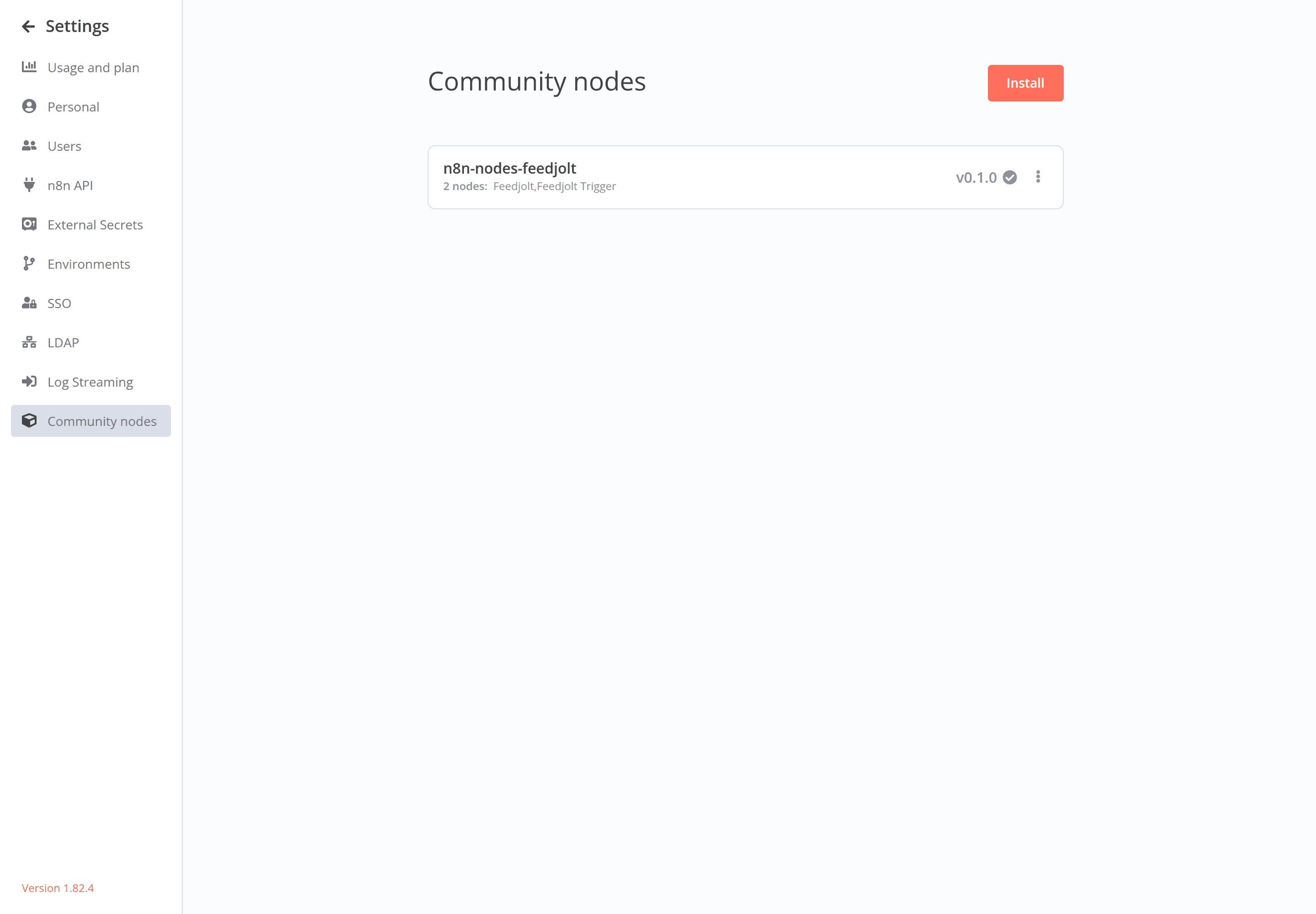
Settings → Community nodes, with n8n-nodes-feedjolt installed.
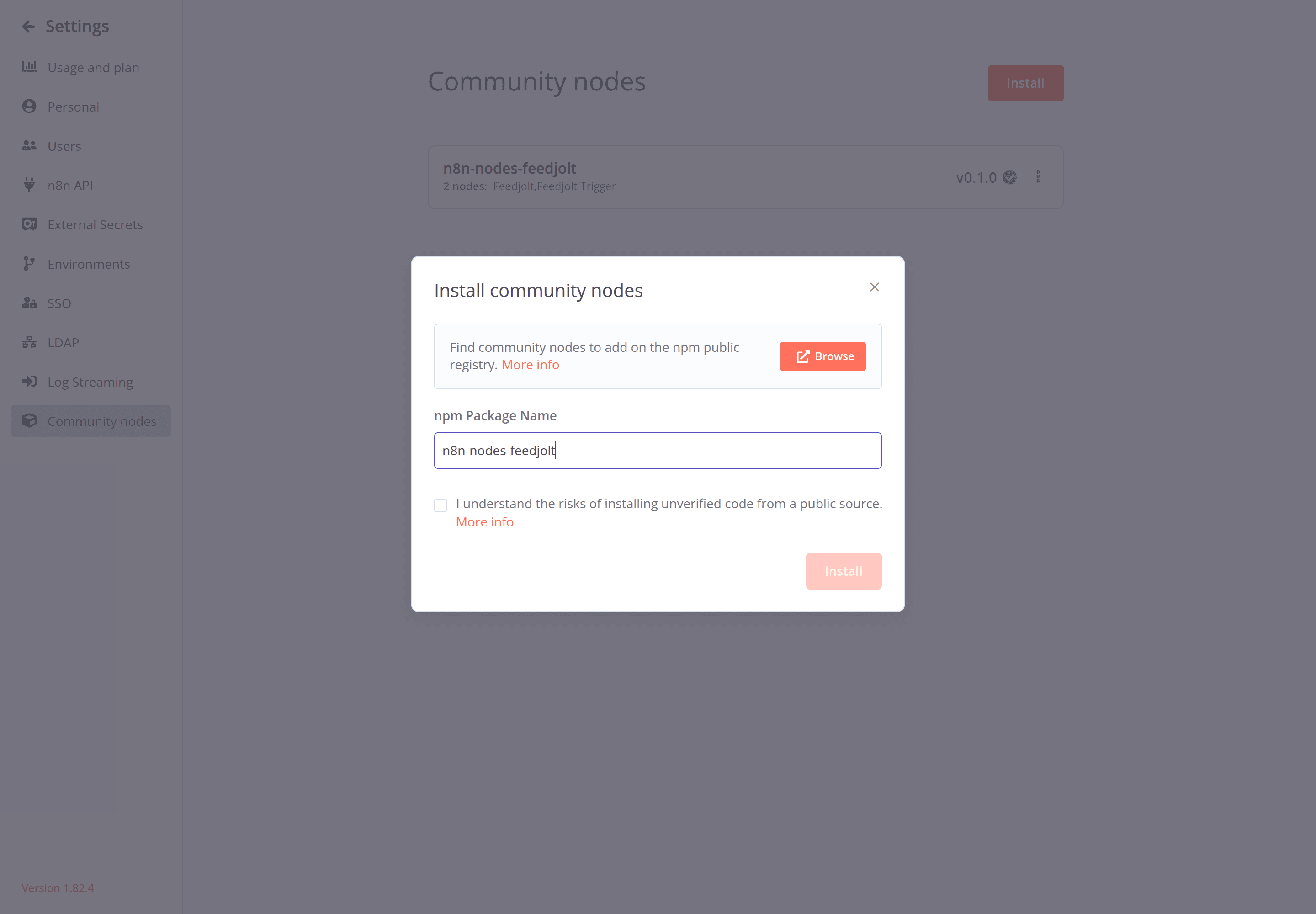
Install dialog. Package name: n8n-nodes-feedjolt.
npm CLI
mkdir -p ~/.n8n/nodes
cd ~/.n8n/nodes
npm install n8n-nodes-feedjolt
Restart n8n. Docker (official image; ~ is /home/node inside the container):
docker exec -it n8n sh -c 'mkdir -p ~/.n8n/nodes && cd ~/.n8n/nodes && npm install n8n-nodes-feedjolt'GitHub fallback
If the registry is unreachable, install from source:
mkdir -p ~/.n8n/nodes && cd ~/.n8n/nodes
npm install github:luodaint/n8n-nodes-feedjolt
Then restart n8n.
n8n Cloud
Self-hosted install from npm works today. The verified tile in n8n Cloud's Creator Portal is still pending review. Until that lands, use self-hosted n8n (Community nodes or the CLI path above). Do not expect the Cloud verified catalog to list Feedjolt yet.
Credentials
- In Feedjolt: Dashboard -> Settings -> API keys -> New key. Name it something honest (
n8n-prod). Copy thefjk_secret once. - In n8n: create a Feedjolt API credential. Paste the key. The node sends
Authorization: Bearer fjk_…. - On every node, set Workspace slug to the workspace that owns that key. A mismatch fails the request.
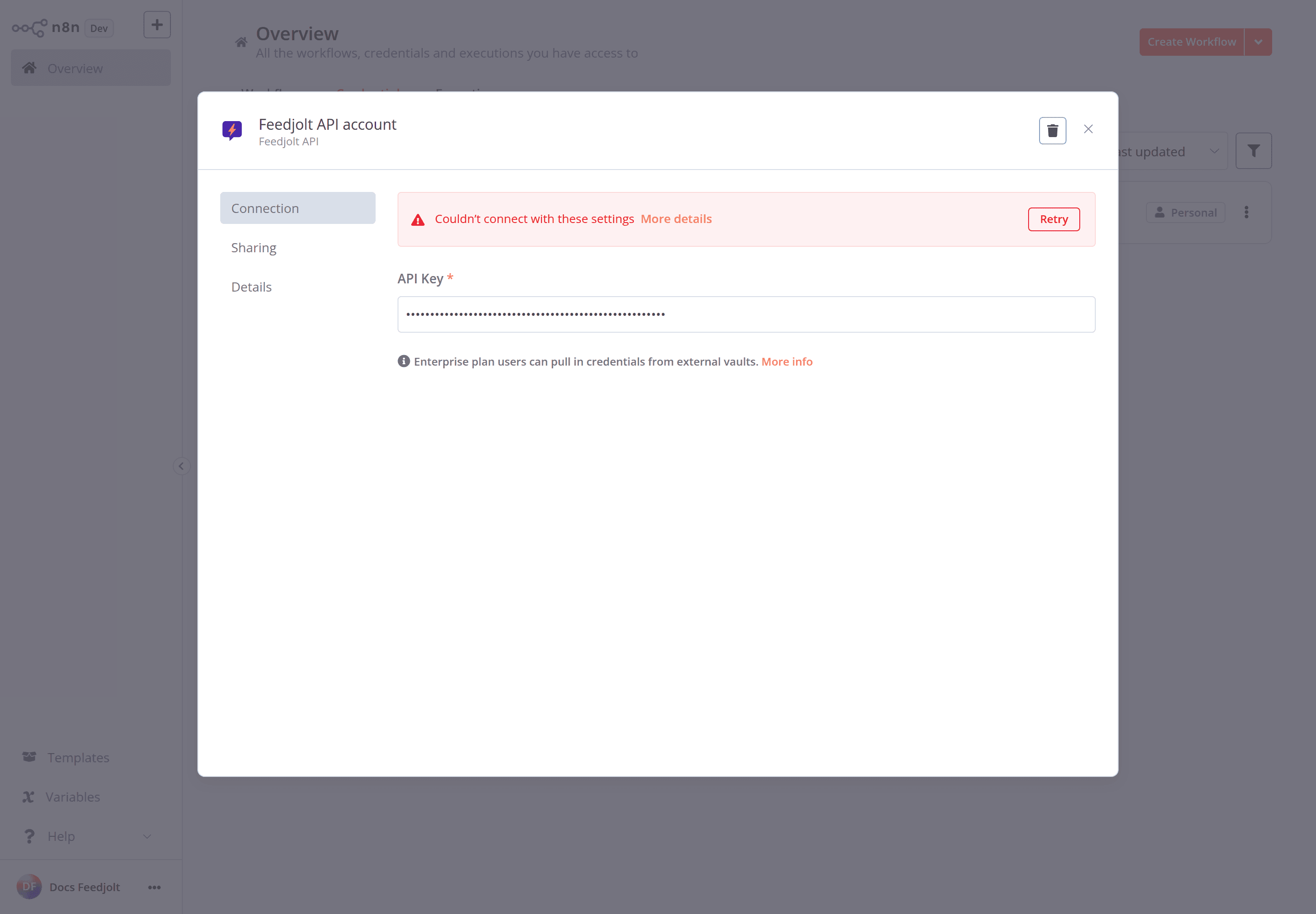
Feedjolt API credential. Paste a workspace key that starts with fjk_. A placeholder key fails the test — use a real one.
REST base URL is https://api.feedjolt.com/api/v1. Interactive reference: https://api.feedjolt.com/docs. OpenAPI: https://api.feedjolt.com/openapi.json.
Treat the key as a secret. Revoke it from Settings -> API keys if it leaks. See API authentication.
Nodes
Search the node panel for Feedjolt. You get two nodes:
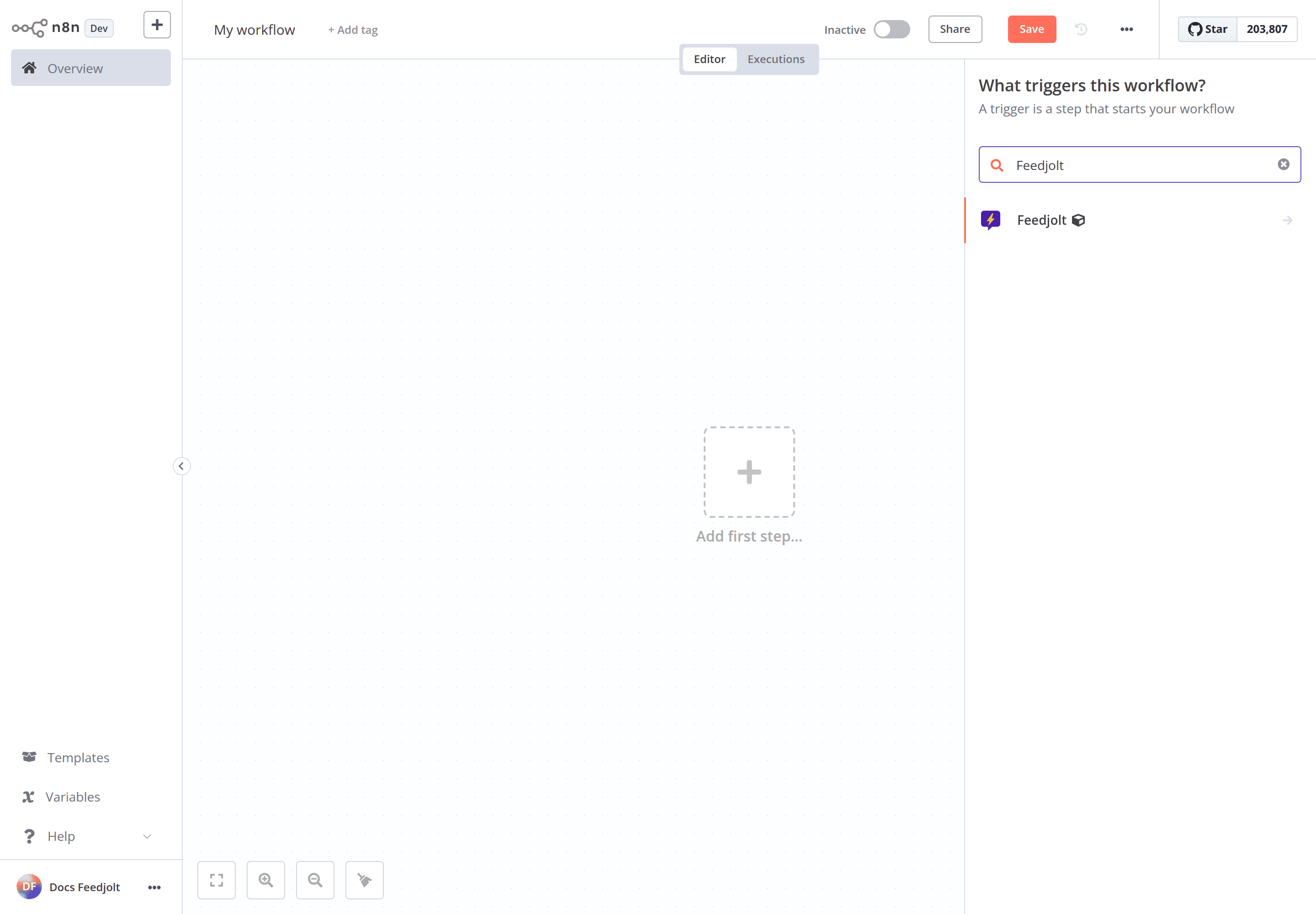
Search Feedjolt on the canvas. The action node and Feedjolt Trigger both install with the package.
Feedjolt (action node):
- Workspace — list workspaces for the key
- Boards — list
- Posts — list, get, search, create, update status
- Roadmap — get
- Changelog — list
- Statuses — list
- Tags — list
Feedjolt Trigger — polls for new posts (optional board filter). First poll records current IDs and does not fire.
Not for Cursor
Cursor and other coding agents connect with OAuth 2.1 MCP at https://api.feedjolt.com/mcp/reader/ and https://api.feedjolt.com/mcp/writer/. Do not put a Feedjolt API key (or a FEEDJOLT_API_KEY env var) into Cursor MCP / plugin settings. That path is MCP setup.
Source and help
- npm: n8n-nodes-feedjolt
- Package repo: github.com/luodaint/n8n-nodes-feedjolt
- Developer overview: Developers
- Something broken? /en/contact with the
X-Request-IDfrom the API response.
Connect external apps
Wire Feedjolt into automation tools with a workspace API key. n8n ships today as n8n-nodes-feedjolt on npm. Cursor and other agents use MCP OAuth, not an API key in plugin settings.
JWT SSO
Sign your logged-in users into the Feedjolt portal and widget with a short-lived JWT your backend mints. No second login. Configure claims, secrets, rotation.